GIF Fun 4: How to draw on a GIF
A feature I thought would be cool for my GIF editor at some point was the possibility to directly draw on the images. Changing the contents of an image within a GIF is one of those things that normally is a bit of a hassle and comes with problems, as we will see in a bit. Of course, being able to change the images on a pixel level calls for a way to get the image data out of the GIF and, after changing it, putting it back. This decompression and compression I already had implemented at some point, and my last post was a rather long explanation of how the LZW algorithm on which these procedures are based works.
Making a small drawing element with JavaScript and HTML is by far not the hardest thing in the world. The canvas element even comes with the functionality needed to render strokes and paths, making the whole thing rather trivial, really. Simply take a canvas with the image on it, add some code that detects when a mouse hovers over it, and draw on it when the mouse button is clicked. It is easy, and there are tons of short tutorials for it. Add a color picker, maybe some callback function to put the changed image back into the GIF after drawing, and donezo. Or at least it would be if life were fair.
The problems of drawing on a GIF
GIFs famously allow for a maximum of 256 colors within a single image (I wrote about ways to still get more colors on-screen in the second GIF Fun entry), so if a user wants to draw using all the colors of the wind, the image they end up with will have too many colors. Of course there are methods to reduce the color amount again, which basically leads to a re-encoding of the whole image, but it probably is wiser to restrict the amount of colors from the beginning to avoid that.
At least that is what I did; I limited the available colors to the image's color table while allowing the table entries to be changed as well. So the drawing part doubles as a general color changer for the image. With this, the problem of too many colors is taken care of, as there can never be more than 256 colors used at the same time.
There is another problem I needed to take care of. Any GIF keeps its images as a (compressed and packed) sequence of numbers where each number corresponds to a color table entry. Going from GIF representation to an image on the canvas is easy; just use the color table to look up what color is supposed to go where, basically hydrating the index sequence with the colors. Going back into the other direction, however, leads to a problem. Because two entries in a color table can have the same color, there would be no clear mapping back from the changed canvas image to the needed GIF representation.
One possible solution would be to not care and simply give all pixels of the same color the same color table index, but that would mean losing information. If a user changed a color table entry to the same color as another on accident, then they wouldn't be able to go back easily. So better avoid this situation somehow.
To tackle that problem, I devised a rather convoluted idea. I keep the GIF representation around and use two canvases. One canvas is in the background, showing the image; the other one is in the foreground and blank. Now when a user draws, they draw on the blank canvas instead of the image directly. Because I know which color table index they are using for drawing, I can then use the blank canvas to check which positions in the GIF representation need to be overwritten with a new index; after that, I simply update the image canvas and clear the blank one. This allows users to change which pixel is associated with which color table index, and it does not require any form of post-change color reduction.
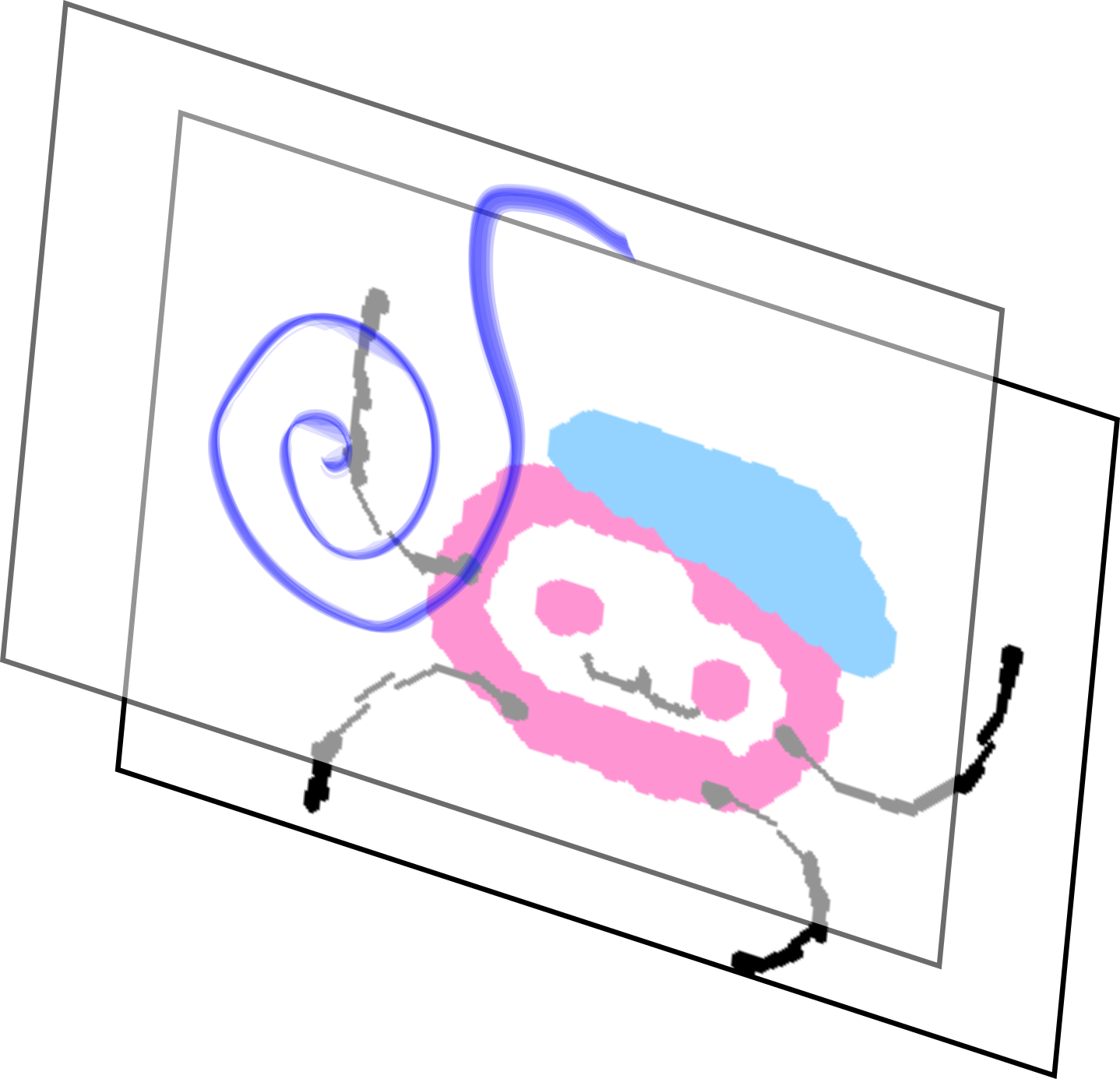
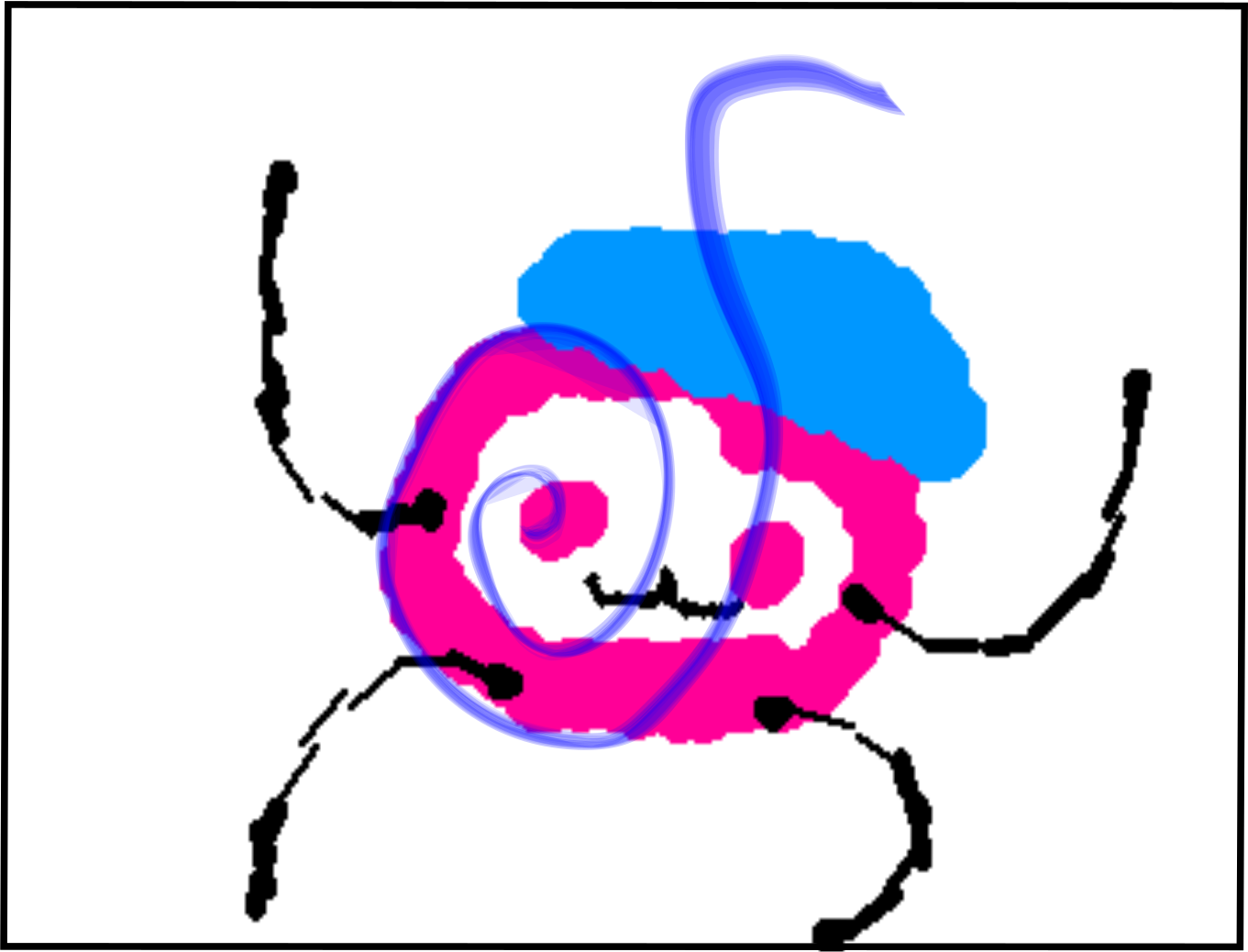
Of course my solution is not perfect, and it also is visible; whenever the transfer to the image happens, there is a visible re-rasterization happening. Maybe I will give the draw parts of the editor some love in the future. But for now it will stay as is.
And that is all for this post. Thank you for reading.